
$ trained a custom AI model on 113 photos of myself
$ also tried Google's image AI with just a reference photo
$ both were... ok. great for sketching ideas. not for real thumbnails.
I had this idea. What if I could train an AI model on my face so it could generate YouTube thumbnails for me? No more photoshoots, no more editing. Just type a prompt and get a thumbnail that looks like me. Or at the very least, a fast way to sketch out ideas before I shoot.
So I tried two different approaches. Here's what I found...
Approach 1: Fine-Tuning an Image Model
I uploaded 113 photos of myself to Replicate and trained a LoRA model. That's basically teaching an AI what I look like so it can generate new images of me. It took hours to edit the photos, add descriptions, and train.
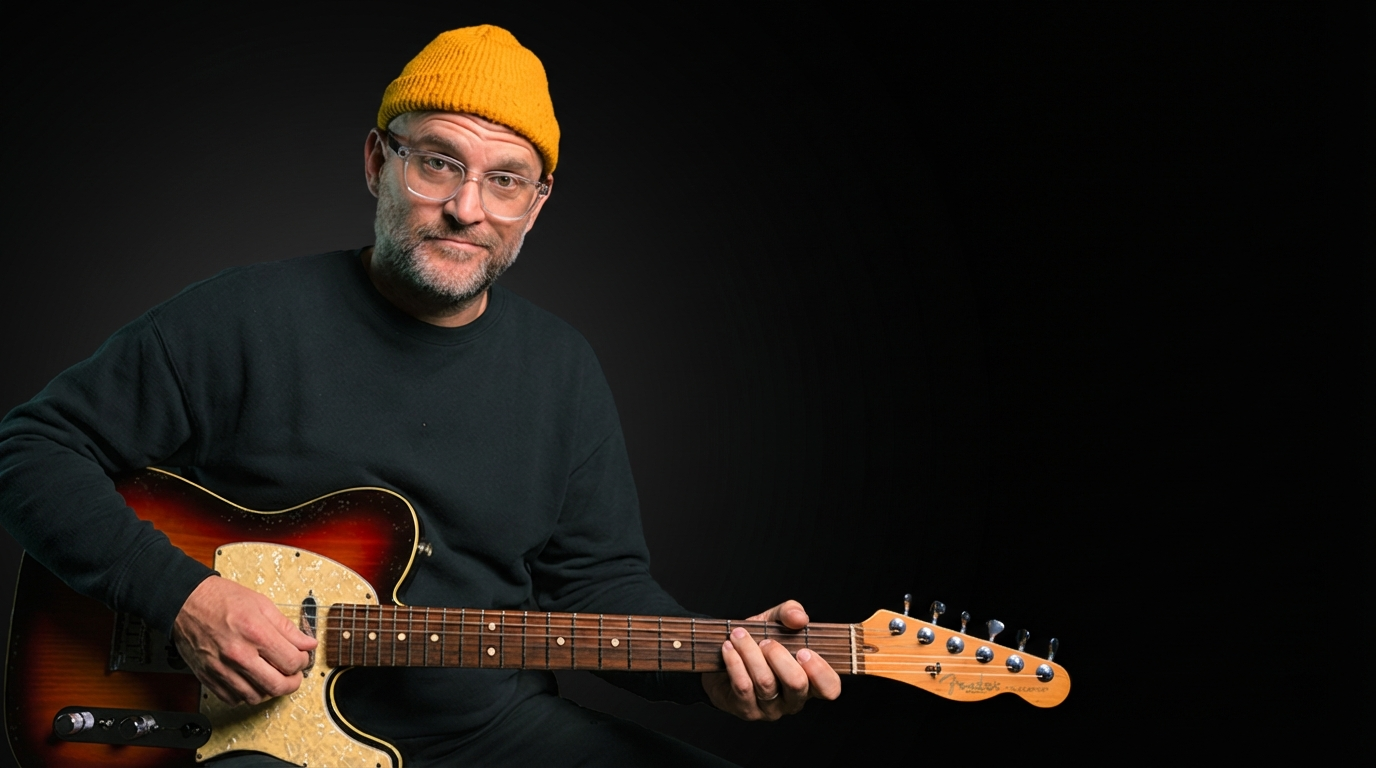
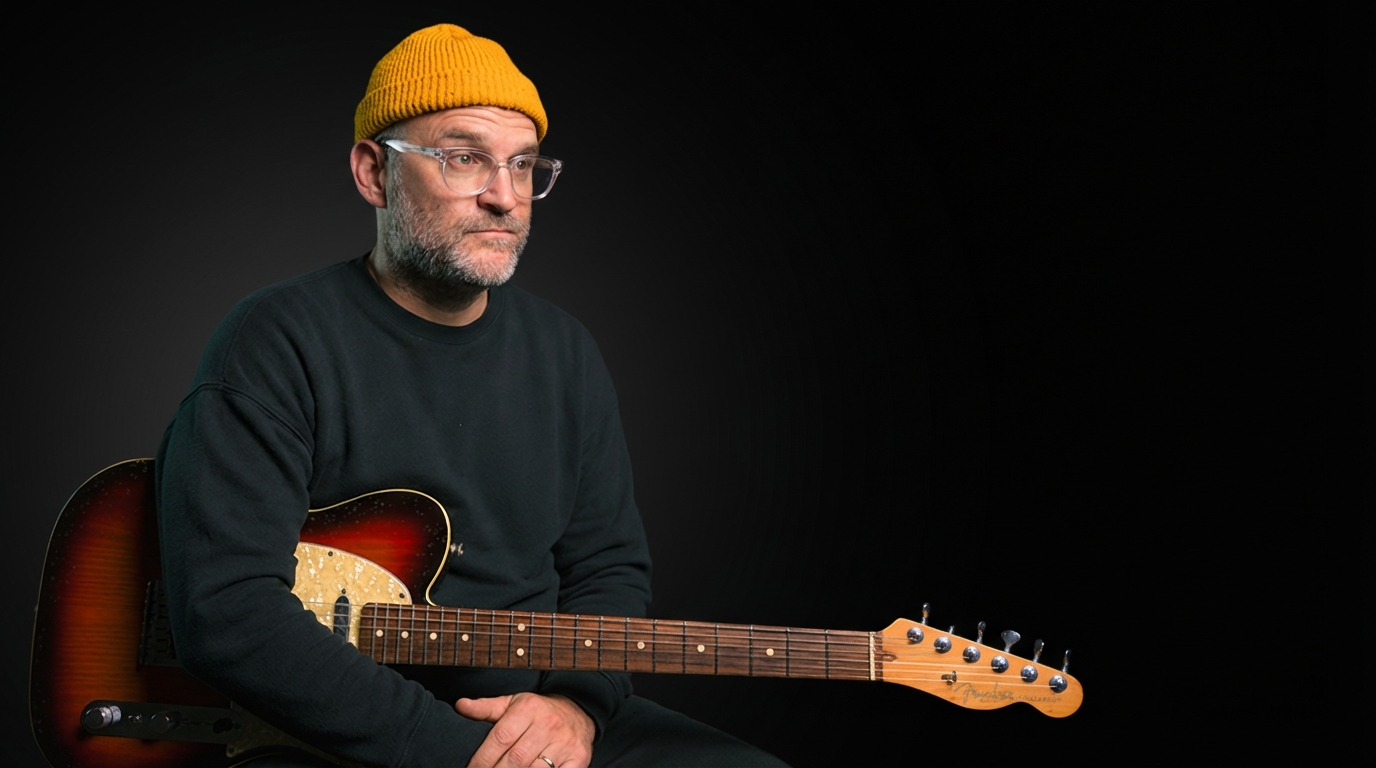
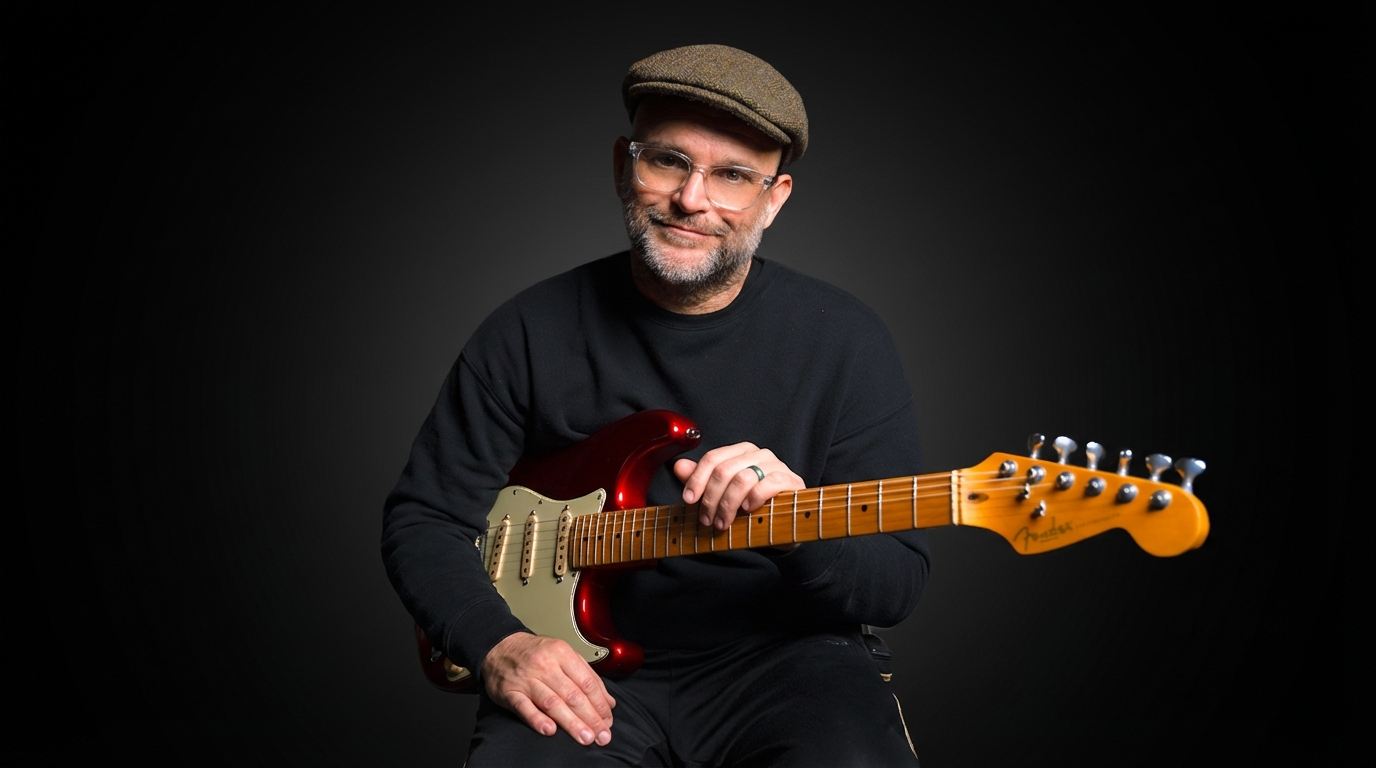
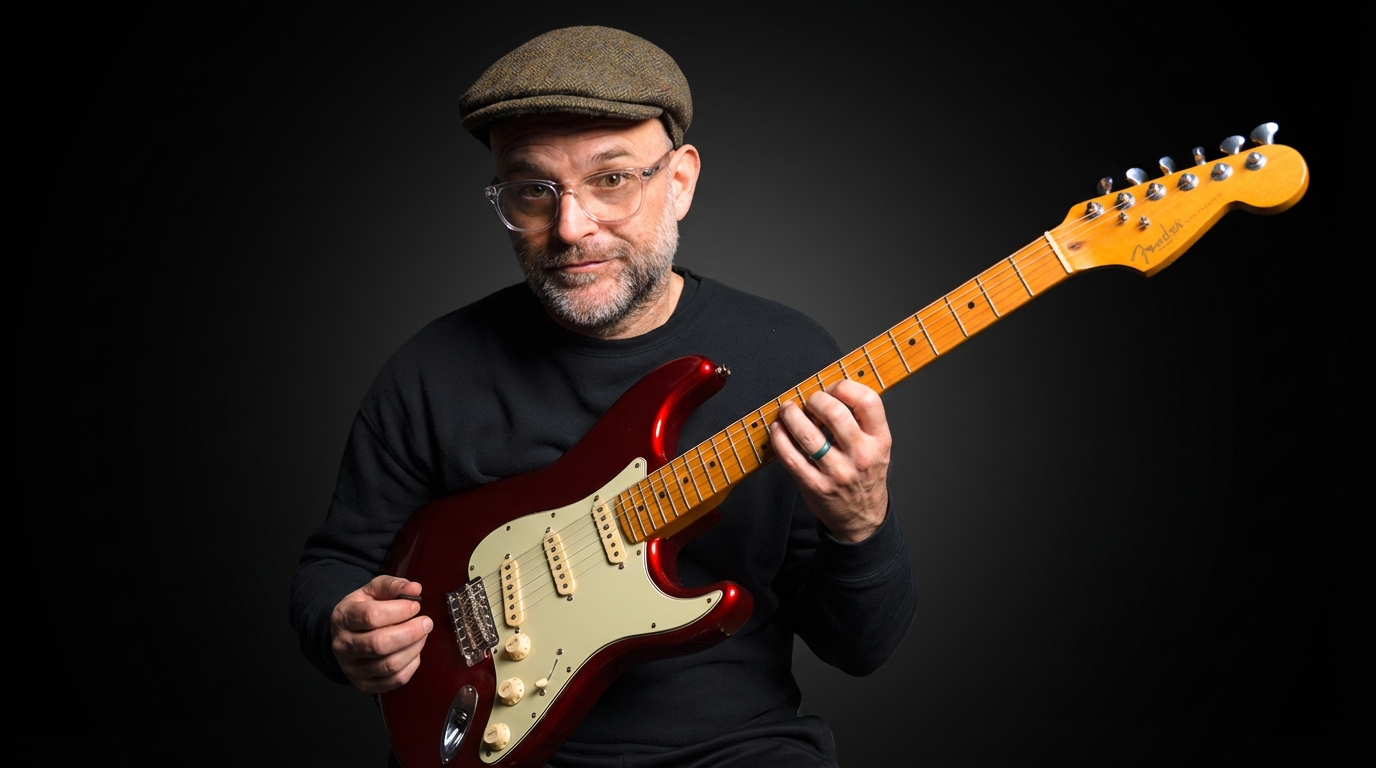
The results were... ok. It got the vibe right. The lighting, the background, my beanie. My face looked funky in a couple of them, but it was pretty close. The hands? Yeah those ain't it (but I doubt anyone other than me would ever notice). The guitar looked good, but it wasn't my guitar. I definitely gave it a lot of photos of my guitar. And that last picture on the bottom right — what even is that? A 9-string guitar? Oof.
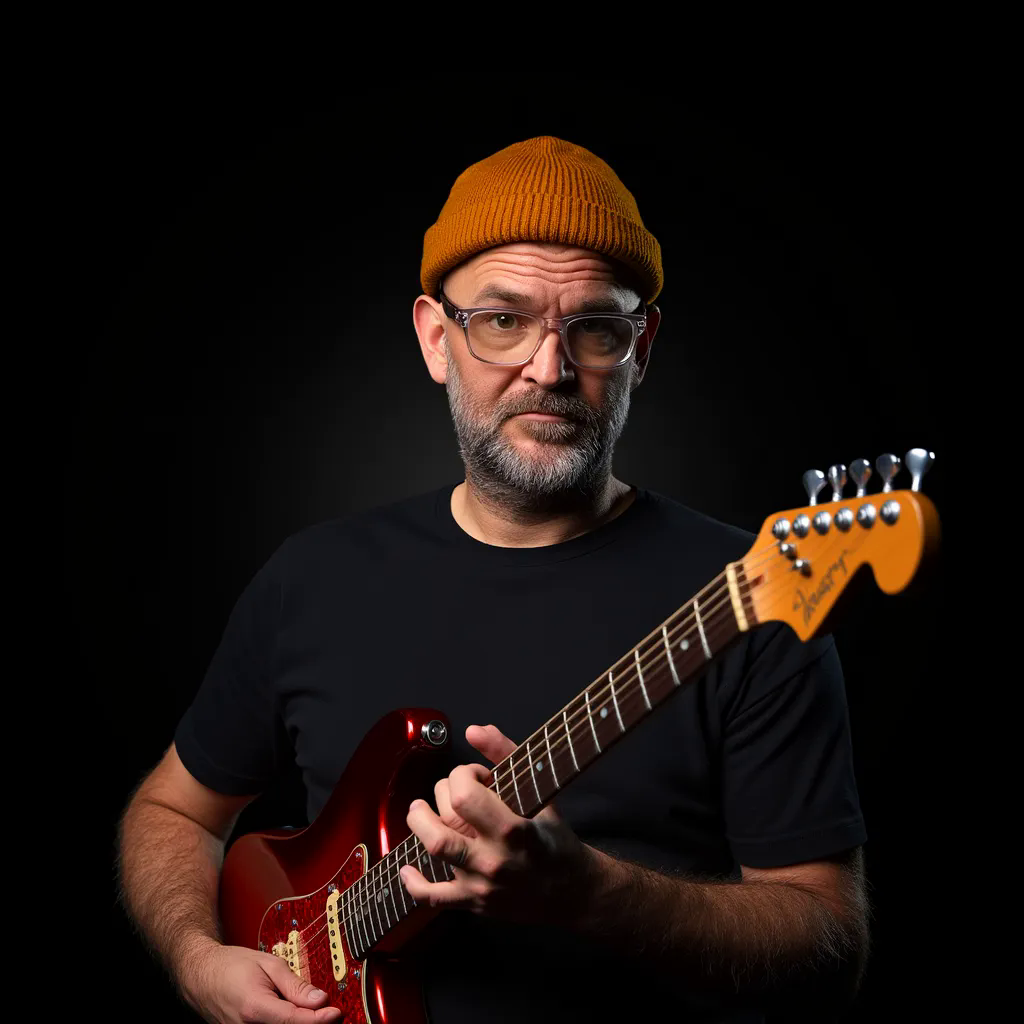
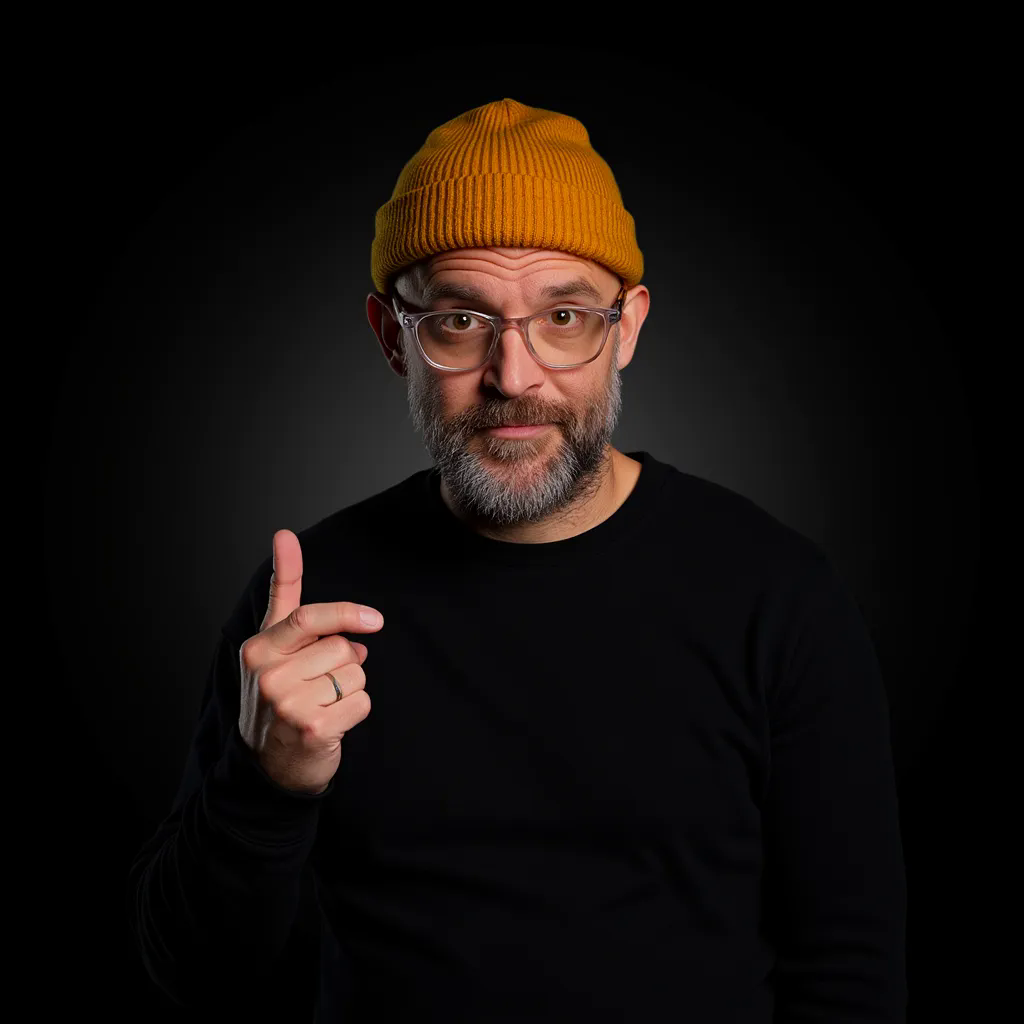
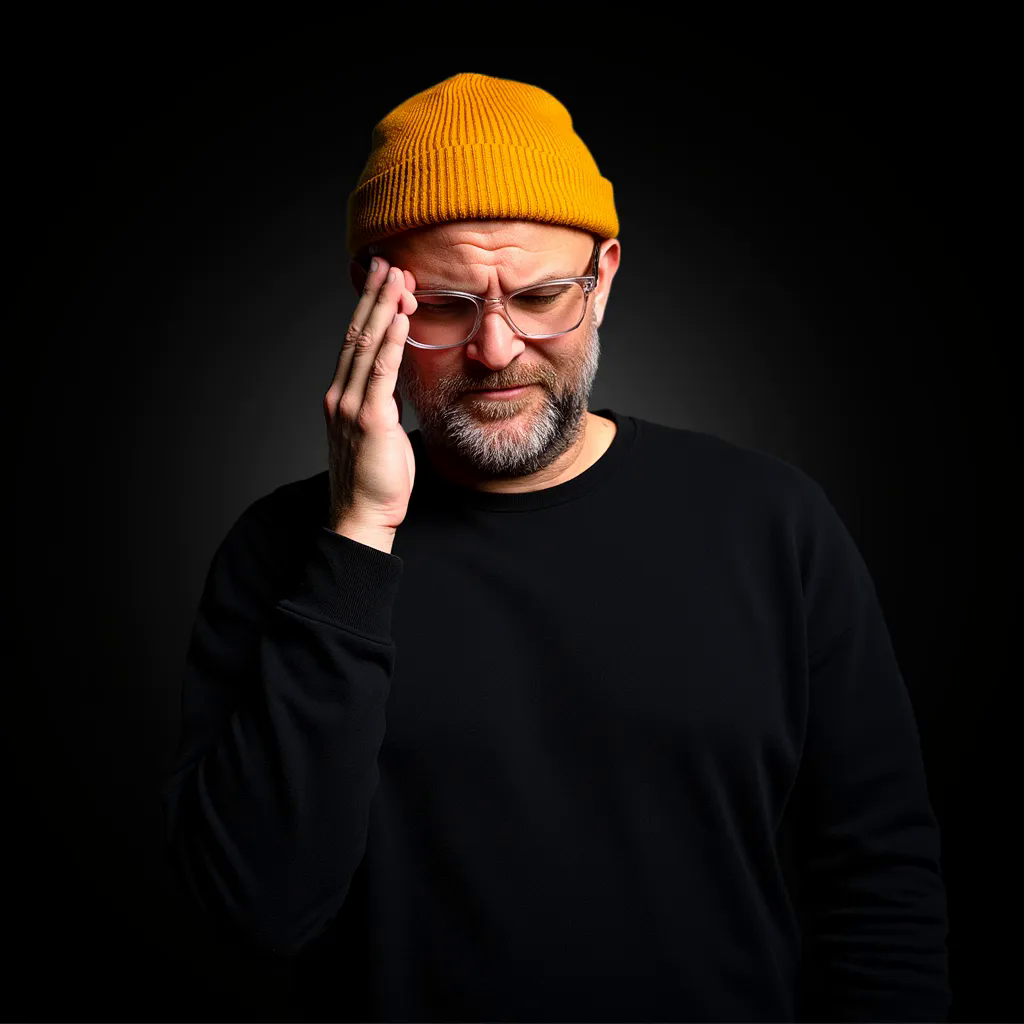
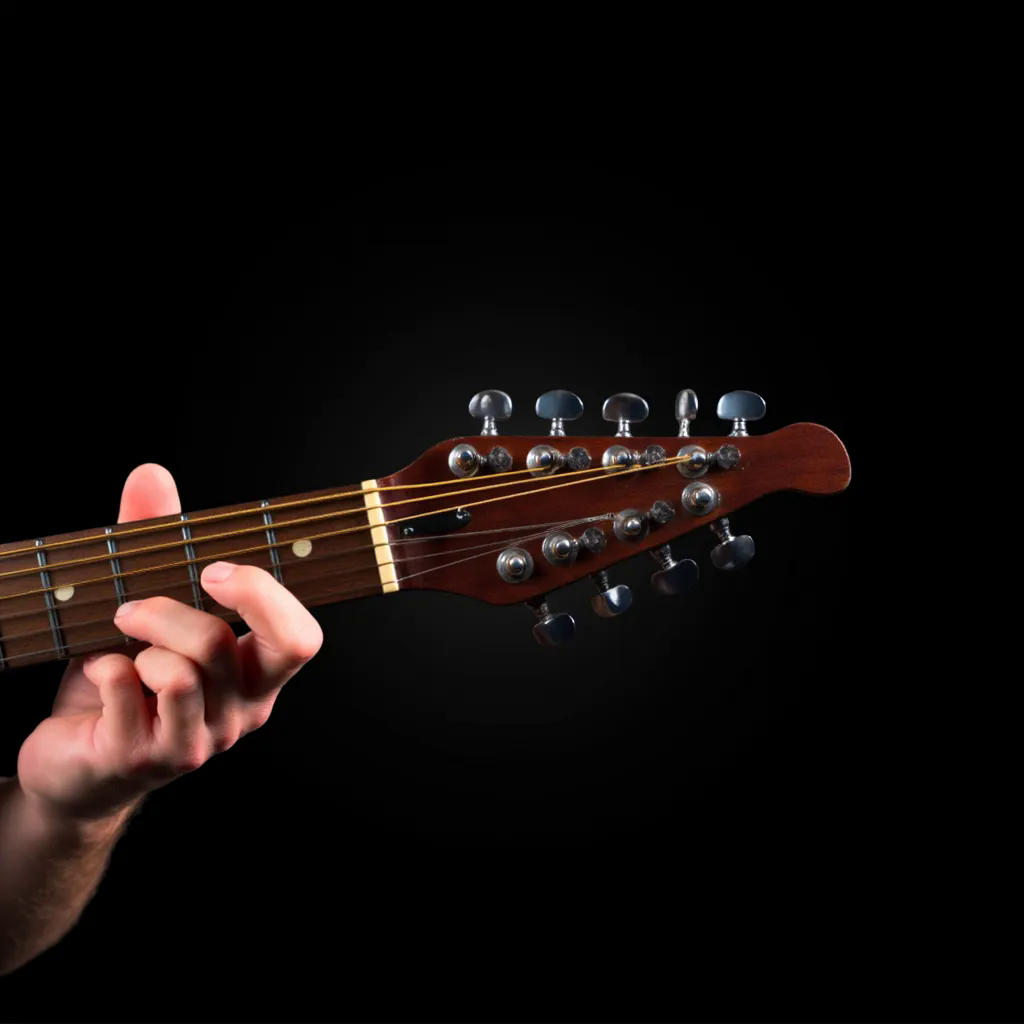
To be fair, my thumbnails are a little more complex than just my face. I have shots with my guitars, close-ups of my hands on the guitar, etc. I uploaded a ton of photo examples with the guitar and hands too, but yeah it just wasn't quite there.
Approach 2: Just Give AI a Reference Photo
Then I tried something completely different. Google's image generation model (Nano Banana). Instead of training a custom model, you just give it a couple of photos as a reference and tell it what you want. No training. No uploading 100+ photos. No waiting hours. Just "here's what I look like, now make this."
The results were... also ok. I was surprised at how much it nailed the guitar. I mean, that is spot on. I gave the LoRA model a ton of guitar photos and it still didn't come close. The expressions are a little funky, but the face and hands are pretty good. It's close - but would I use any of these as an actual thumbnail? Not a chance.
So... Which One Won?
Neither. That's the honest answer.
Both tools did the same thing — gave me something that kinda looks like a thumbnail. But... I would never use it. And honestly? That's fine. Because that's not really the point.
Here's What I Actually Use Them For
Before I shoot a thumbnail, I usually sketch ideas on a notepad. What pose, what angle, etc. Now I can type a prompt instead of drawing stick figures. I get a rough idea in 15 seconds that helps me plan my actual photoshoot.
That's it. That's the use case. AI sketches, not AI replacements.
As a quick brainstorming tool, it's awesome. Just a quick "would this pose look good?" before I set up all my crap? It's really useful for that.
I still shoot my own thumbnails. I still have my editor clean them up. AI hasn't replaced that process. But it does allow me to work significantly faster than I did before. And saving time is a win.
<< BACK TO POSTS
